Same, had issues with Orbi for years. I had the 852 a d the RBR50 before that, but upgraded to the Dream Router 7. Instantly my speed went up 50%. Plus actually having 2.5gbps ports is amazing. I absolutely love the features on the app.
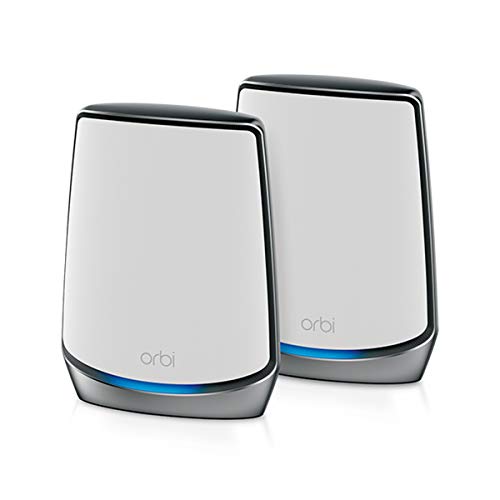
I have and RBR850 with two satellites. Upgraded from the RBR50.
Had issues on the first one with drop outs and random reboots and I work from home so it was pretty annoying. I put them in AP mode behind a TPLink router I had. All was fine.
New home and Gigbit fibre thought I should upgrade the wifi speeds. Now I have the Satellites back haul wired but still getting drip outs a few times a week at best sometimes multiple times a day.
I read on another thread about the Ubiquity Cloud Gateway Fiber and using that as the router and putting the Orbi’s into AP mode. The best combination of a solid router that doesn’t have issues plus exceptional management capabilities and still great Wi-Fi speeds.
So I ordered one and it comes next week.
My 850 has not skipped a beat since I got a UCG Fiber and put the Orbi in AP mode. It’s not like I’m losing any notable functionality on the Orbi side, given there really isn’t any of note and the UCG gives so much more insight to what’s going on on my network.
The difficulty is that every house/local environment is different.
But, as a VM customer where it’s not possible to run cables throughout the place, we have a Netgear Orbi setup (have had Orbi setups for about a decade but other systems are available), running wireless backhaul and are getting reasonable coverage and speed (750/800Mbps peak, which I’m largely happy with on a 1.1Gbps service).
My suggestion would be to try the minimum number of nodes of whichever solution you choose ie maybe start with the base and perhaps one satellite that you can add to if needed.
You might get away with one satellite and save yourself spending and having too much WiFi (which is possible) and as another comment has said, focus on getting the placement right.
Word of warning that UniFi kit apparently doesn’t do mesh very well, so, choose one that has a dedicated wireless backhaul that UniFi doesn’t. Also, put the ISP kit in modem mode and use the mesh as the router.
No problem.
Also worth noting that for Orbi (and I assume most other mesh systems) if you later are able to run Ethernet cables to the satellites, they will happily then become wired APs so your investment isn’t wasted if you start off wireless.
I used the IP passthrough feature in the BGW gateway and am using an Orbi RBR 850 and the satellites to create a mesh network. The IP passthrough has the BGW gateway merely act as a modem and the Orbi does everything. It works very well, great coverage, even outside.
Top Mesh Wifi Systems on Reddit
1
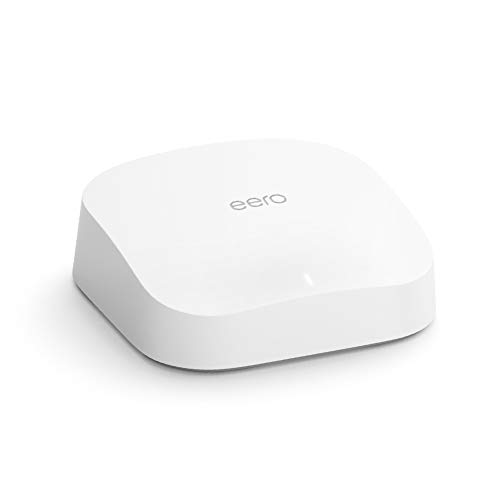
eero
Pro 6 Series
82% positive of 175 users
Easy, reliable, smart home ready; but paid features.

 Link7280





