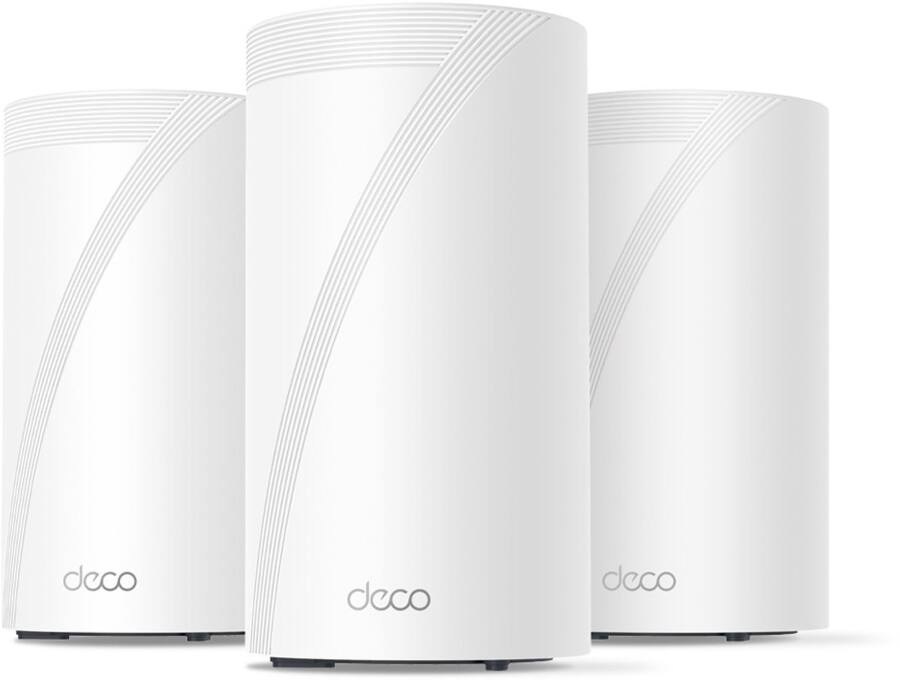
I wanted to write a review of my experience with this setup since I've not seen to many posted. anyway unboxing and setting up with the app wasn't difficult. honestly pretty straight forward to the point that i think almost anyone could do the initial setup with ease. the 6ghz band was defaulted to back haul traffic. which was fine for my home. basically the setup goes like this. first you plug in one unit connect the internet to it. set the 2.4and 5ghz ssids and passwords. i reused my old ssids and passwords. then the app tell you to place the other two units not more that two walls away from each unit. i have mine setup in a chain configuration because i was trying to get some sort of internet capacity to a detached garage. so my main unit is on one side of the house the second unit is in my mud room and then the final unit is probably 30 ft away in the garage. and it worked. i get about 900 mpbs in the home and about 500 outside around the garage which is 100% better than no internet in the garage.
for my smart home devices which i have about 30. it was simple to setup just broke a 2.4ghz band off with the IOT setting in the app and then renamed it to the old ssid and password. and everything connected. i was a little Leary that my nest stuff or my zwave light switches wouldn't connect because Ive seen other posts about the nest stuff not connecting and other IOT problems but i had zero issues with it.
i just wanted to post this because all I've seen are peoples issues with these devices and a lot of them got me scared to try it out but i decided to hell with it if it doesn't work ill take it back. and to my surprise it was one of the easiest routers i think I've ever setup. I even left the router in the box for a few days because i figured it was going to be a complete pain in the ass to set up... it wasn't all. i think start to finish i had the damn thing working in half an hour.
Yeah mines been pretty good. I ha e had to set mine up to restart every few days. And it took about a month for the system to finally figure itself out. I figgured it would of been quicker. But now that ive had it online for several months its been rock solid. My wife had some problem with her pixle phone not wanting to connect and that took awhile to figure out. This mesh systems does not like random Mac addresses. Once we turned her random mac address off its been fine. I will also say that ive had absolutely zero problems with my not devices. Ive seen a lot of posts about people having trouble with their not devices and I have had absolutely none. They work fine.
If you have any questions feel free to ask because ive had this for a little while so my growing pains are pretty much over now.
I actually thought this was going to be a miserable experience from all the reviews but its not been that bad honestly.
Recently got the TP Link Deco BE16000 for my brick house and I've been very pleased and impressed with it this far. All of my security cameras are wifi, lots of iot devices, streaming and gaming with no issues or dead zones.
If recommend Tapo devices over Deco. They’re super reliable and I haven’t had to restart one or fix any issues in two sites over many years. They’re cheap too.
If recommend Tapo devices over Deco. They’re super reliable and I haven’t had to restart one or fix any issues in two sites over many years. They’re cheap too.


 enraged768





