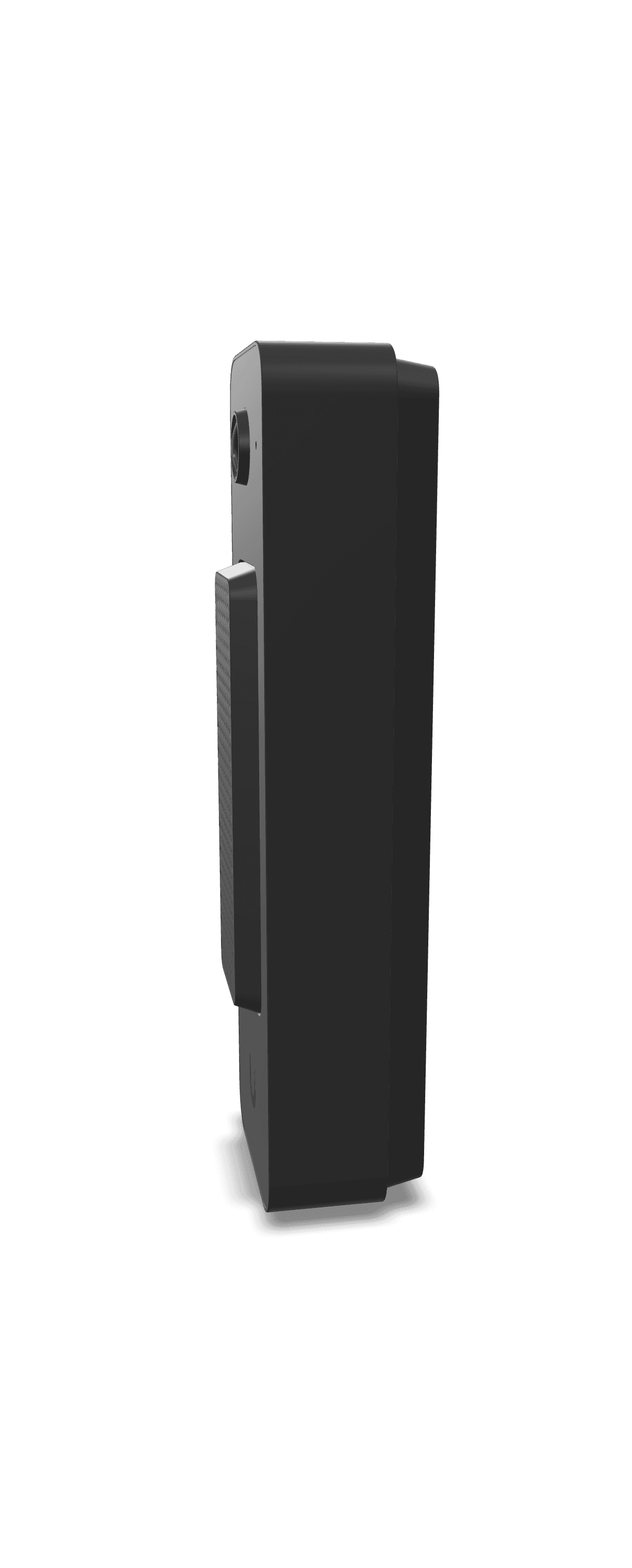
thats for some new version they released recently. Most of us have the original wifi or the poe. I love my poe one with no issues. Also this is an advanced doorbell not for your grandma. You need you can really fine tune detection like mask-off things you dont want to be triggered etc.
> From what I can tell, nearly all wired video doorbells have a built-in battery that you can’t replace,
The Reolink PoE doorbell I have does not have an internal battery.
I believe its the same case for the Unifi doorbell too.
Reolink Doorbell specifically the PoE version if you can run ethernet to the door, if not they have Wi-Fi version that can be wired to an existing doorbell transformer.
I have the Reolink, and it's been great, but I don't use stuff like 2-way talk.
Note there are two versions of the PoE doorbell, a white one and a black one, and it's more than just a cosmetic difference.
The white one has the sensor turned 90 degrees so its vertical, giving a better top to bottom view. The black one is horizontal.
Unfortunately the white one is harder to find.
Yup, definitely always put cameras in isolated and blocked from the internet networks. But Reolink and really any camera that supports ONVIF should work fine without internet access. The only ones that might not work well are the fully Wi-Fi and battery ones, they many times have a convoluted setup process that involves an app. Best thing to do always is check the manual or find reviews of the specific camera.
Sorry, I'm in the US but, Reolink and amcrest is what I use. Amcrest for all my wired security cameras, and reolink for my doorbell.
If you care about the app, and direct HA integration, Reolink is probably your best choice in the inexpensive fully local market.
Amcrest doesn't have a direct integration into HA, but they're nearly all rebranded Dahua so you can sometimes use the Dahua integration or in some cases need to find a way to load the original Dahua firmware onto the cameras. The second part seems to be getting more difficult with the more recent amcrest cameras.
> 5mp+ is better
Not sure where you saw this, but it's not always the case. The higher the resolution, the smaller the pixels to pick up light. Some cameras do make up for this with larger sensors, but not always. Generally, I feel like 5MP is more than enough for most situations. If you need to get clear images of people's faces or license plates, put the camera lower to the ground and get one with a longer focal length.
If you want something more like the apple ecosystem, where things just work, and there's interoperability with multiple other systems from the same manufatcurer check out Ubiquiti. You get a ton of cool, enterprise grade features, but the cost is way higher, especially if you don't already have unifi hardware.
I used to have a Dahua VTO2202F-P-S2 IP Villa Door Station POE, while it work was ok, but every two years or so, it bricked itself, i replaced with the same Doorbell just to have the same happen around two years. Until i found the Reolink Doorbell POE, not perfect but work well, easy to setup, integrates with HA, BI, Frigate and NxWitness, so i have no complains, mine its on the front door at the mercy of the climate, it rains here 8/12 months, and no issues, no fog or filtration, but i do have another with me ready in case it fails.
So my recommendation is contact Reolink see if you could get a replacement and if not, i would buy another, if it does everything you need. In my case it cost 1/4 of what the Dahuas cost and around 1/3 as Ubiquiti D4 Pro / Entry cost. so for me I'm staying with Reolink as my doorbell, unless i move all my cameras to Ubiquiti.



 1337PirateNinja