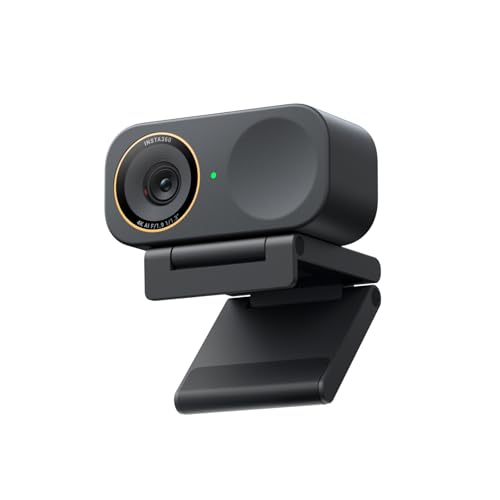
The camera software has many options for controlling the camera, contrast, lighting, saturation, exposure control, ISO, white balance, and image temperature.
It also integrates NVIDIA technology for background removal or replacement.
As the settings are saved directly to the camera's memory in obs, you do not need to configure anything.
https://youtu.be/R0Lsrv8oOOk?si=mLB2TC9sM9bq2T34
I cannot recommend this video enough.
I have el gato facecam v1. I didn't buy it, I got it for free. It works well, I can't get it to look as good as YouTubers do, but my lighting is just 2 lamps. It performs well, but it's extremely over priced, do not recommend.
There are some perfect webcams in the review, and the older models usually get cheaper. Also a year of droid cam pro is super cheap compared to a full webcam, also an option
I've used Logitech C920 and elgato face cam on different tests. I was able to the 360 with the provided cables. And set them a distance enough to show me and my laptop at my desk during test
I'd say Elgato Facecam MK2 is a good choice, pretty plug-and-play. I've had the MK1 for a few years and barely had any issues with it. It's the best one I've tested in this budget if you care about image quality.
Logitech is also ok, but their software is horrendous, at least in my experience. I had the C922 (which is technically a step above the C920), but the camera settings wouldn't save, and the image didn't look great even with decent lighting, so I'd personally avoid it.
Either way, without a decent light source, any camera (even $500+ ones) will look pretty bad. So if your total budget is $100, I'd split it 50/50: 50% on the camera, 50% on lighting. A cheap ring light makes a bigger difference than most people expect.
A decent budget camera option: [https://us.ankerwork.com/products/a3369](https://us.ankerwork.com/products/a3369): solid image quality for the price, worth considering if the Elgato is out of budget.
For lighting, I'd recommend any wired ring light or panel light that can be mounted on your desk or monitor.



 CTRQuko