Thanks!!
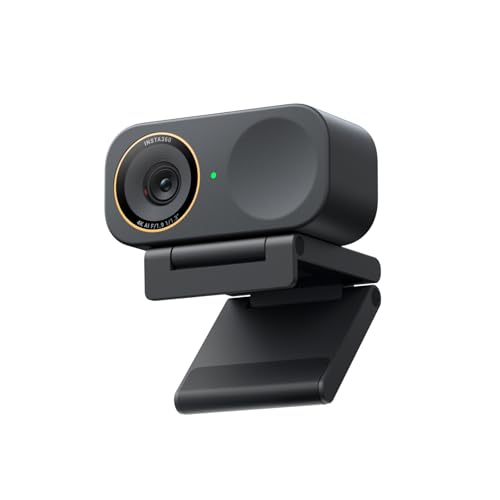
I’m going to choose the YoloCam S3 over the OBSBOT Tiny after going through both spec sheets and comparing them side by side.
My use case is mostly online meetings and recordings, seated at a desk. I’m on a Lenovo ThinkPad T14 Gen 5 (Windows 11), and my audio is already sorted with a RØDE PodMic USB and Etymotic ER2-XR IEMs via the Apple USB-C to 3.5 mm adapter. So the Tiny’s built-in mics and tracking don’t add value for me.
On specs alone, I think image quality is essentially on par. For my setup, the S3 wins because it’s fixed, predictable, has no moving parts, and offers stronger manual image and colour control for a clean, consistent “set-and-forget” look.
Tiny makes sense if you move around or need PTZ/tracking.
For desk-based meetings and recordings, the S3 is the cleaner choice.
Obsbot has the Tiny 3 or 3 Lite, relatively new but are great if you are willing to spend a bit more. Personally I think they have the best value for money options.
Having said that, if you only do a couple of meetings from your laptop, no need to buy a webcam... buy it only if needed in case you have a monitor setup or you really need a good video image, room with low lighting etc..
Yeah to go on what you're saying, start out with just basic equipment and feel it out. Also the XLR mics and stuff are nice but start out with a USB mic because with filters in OBS it can sound amazing. Camera wise There is the OBSBOT 4k camera which is honestly amazing value for money.
The Insta360 I use at work in my office which I keep on the dim side and it still looks great. I use the OBSBOT at home in my music studio which I film in dark but with a key light on my face and it works great.



 Adventurous-Iron1334