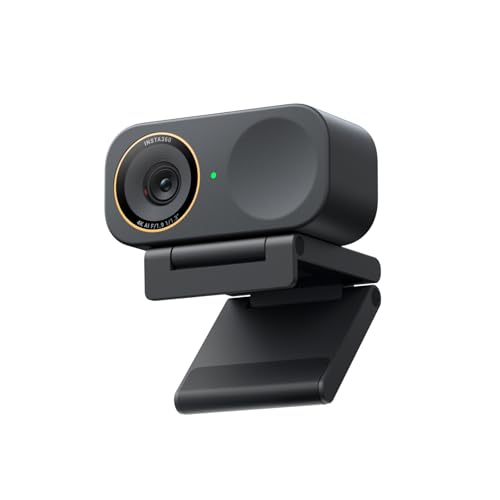
I have and use that exact camera. It works perfectly fine, but may need some tuning in windows settings since it's naturally quite wide angle, even on the narrow setting. I had some issues with Razer software, but it's been a while. There's probably better options out there, but it works.
I use a Logitec C920 and a Razer Kiyo Pro for my streams. I use the Kiyo for my face cam because it's a sharper webcam than the c920. Though with my weak PC I have to scale it down a bit because if you have the processor power to drive it, it'll take it.
Both are modestly priced cameras.
I can run the Kiyo Pro at full speed, but if I do much else it causes it to get a bit laggy. However I have a mid range computer with a really old GPU.
Fully driven the Kiyo Pro is probably the cleanest mid-tier webcam I've seen. 1080p@60fps is looks sharp as hell.
I'm using a Razer Kiyo Pro.
Other than dropping it down to 24 frames per second because my poor-man's PC won't properly drive it, it's mostly at default settings. I of course turn off auto-focus since I never move outside a static focusable range.
At those settings my Kiyo looks crisp and clean. Though I have my image sized down to a small square on my screen and never use it at my full 1080 broadcast/recording.
You're welcome to click on my Reddit profile to check out either my Twitch or YouTube to compare results to yours.
I use a Logitech C920 for a curated diorama scene, and a Razer Kiyo Pro for my facecam.
I like them both. Though I use the Kiyo for my facecam because it's a well sharper image.
I'm going to sound a little like a shill but I recently got the YOLOLIV YoloCam S3, and it beats all of the other webcam's in the comment section by a LONG shot! The sensor is larger than the others meaning its able to receive more light in low light environments. The image is really well balanced and has great color accuracy. I came from a Razer Kiyo Pro and I hated using the razer software, the Yololiv software only needed for initial setup and then I haven't had to use it since, it also doesn't run in the background like razer software. If you want to get him a webcam that will last him a long time until he decides he wants to invest in a dedicated camera setup "which may be overkill for small streamer", the S3 is and will be my go-to webcam in 2026.
Update: I looked up the Razer Kiyo Pro Ultra and it has a 1/1.2″ sensor vs the S3 which has a 1/1.28" sensor. It's also $100 cheaper than the Razer :)
\+1 for the S3, I purchased it a few months ago and it is BY FAR THE BEST WEBCAM I HAVE USED TO DATE! It blows the pants off my previous Razer Kiyo Pro. I probably won't need another webcam for a very very long time.
I've said this in a few discussions about webcams but I switched to the YoloLiv S3 a few months ago and it is the best webcam in 2026 in my honest opinion. At $200 and with the largest sensor to date this webcam has the best low light performance, crisp image, and great software which is something people don't typically think about when buying a webcam and is an after thought.
I upgraded from a Razer Kiyo Pro to the S3 and thing that I noticed improvements on included:
\- less grainy images
\- better image quality when transcoding down to lower resolution (due to the improve starting image quality)
\- When using the nvidia background removal tool, the detection is a little better than with the razer meaning my animation look better overall
All in all, I think the S3 is my go to webcam in 2026 and look forward to more products from YoloLiv in the future
I'm here wondering the same thing. I think I'm going to dump my Razer Kiyo Pro. The software is junk. I don't use their software on either my Windows work computer or Linux home computer. It crashes regularly when you turn it off and on and stuff. I'm afraid to try the Razer Kiyo Pro Ultra for that reason. I'll be reviewing the other 4 options and will eventually order a different one. My requirements are USB-C (USB 3) connectivity, a study mounting thread (no hinge), and a narrow form factor.



 Auritus1