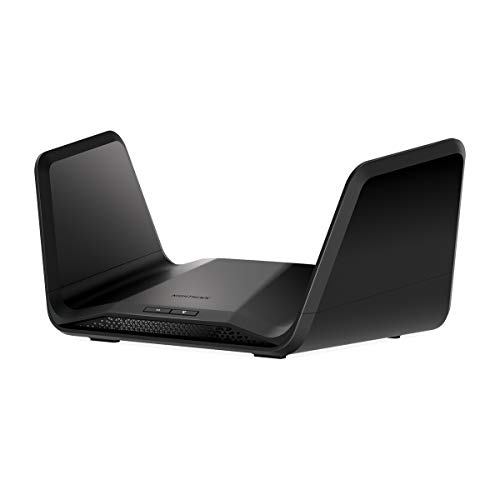
Do yourself a favor and don't buy Netgear products. I bought the AX 6600 thinking it would be all that, but apparently you have to set up right away or the activation key expire leaving you with a worthless, expensive Wifi router. Go ahead and call Netgear and you will get someone from anther country that barely speaks english telling you that you have to purchase another activation key. You will feel real safe giving them your credit card information...NOT. Save yourself the trrouble and get something else.
I currenttly have a Wifi6 Netgear Nighthawk. I just upgrade my ISP speed from Fiber 1GB to Fiber 2GB, and this router does not support a 2GB input (only 1), so I want to take advantage of the speed.
Now, everyone here says Ubuquity this and that, but, I do not care about network management, or really customizing it or setting up a ton of different things. What I care about is speed, and coverage for my entire house.
This current single router (that is positioned at the center-about of my house), covers the entirety of our 2000 sq foot house. Outside the house like on teh patio the signal starts to get dropped. I am using all 4 of its LAN ports, 2 for gaming computers, and 2 for gaming devices. We have multiple 4K tv's running off Wifi, we have at any given moment 2-4 people all gaming with no lag at all (one of them is on a 1600 mbps wifi 6 card that seems to work really well), we have many cell phones, ovens, fridges, whatever, there's like 100 devices connected to this thing through wifi I don't even know them all, split amongst all 3 of its bands. We have ZERO issues and its been a great router. I simply want to upgrade from 1GBS to 2GBS signal so we continue to have even less issues and download things faster and future proof ourselves as new devices come out.
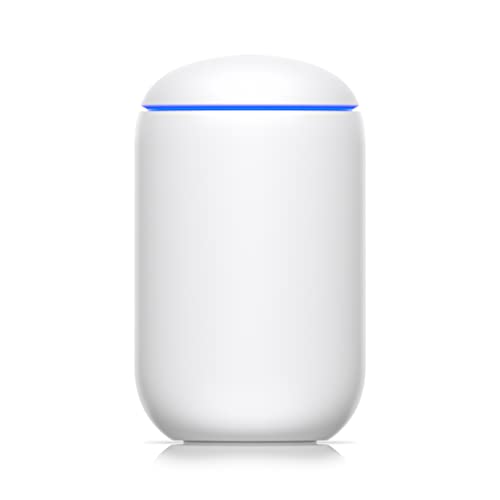
Does this Ubiquity (UDR7?) router fit the bill? I don't really want to buy any mesh or extension pieces or whatever, because it doesn't seem like I need them, if this single 3 year old Netgear router handles all this pretty well. Otherwise I'm looking at Asus ROG wifi7 routers, may be the new Nighthawk, though that doesn't seem the best anymore (?), but overall I've liked Netgear honestly, they've been my last 3 routers.
Yes the ISP gave me a year deal for the same price as 1GB, I get 2GB, but then realized my router doesn't actually support it. We do game a lot, all of us, and there is the occasional lag, though I'm not sure that's us. Honestly 1GB has been totally fine so far.
Yeah I'm not going to be setting up VLANs or segment devices or any of that, I'm not really that involved with the network. Just want everyone and every device to be happy out the box 😄
Interesting, thanks. I'm trying to avoid spending a bunch of money which is why traditionally I just went with a single powerful router. Also it helps managing the network in general, though I try to avoid that as I know just the bare minimum of messing with routers.
yeah I stopped buying gaming routers 4 years ago. I was on my 3rd nighthawk - they would no joke die consistently 2-3 months after their warranty expired. 3 of them in a row, like clockwork.
I went with a mesh system and I am very pleased with it. it allows me to have solid fast wifi in my detached garage, which wasn't possible with the gaming router. and I have overall way better signal on the other stories of my house. I get close to 1 gig on wifi now. the mesh system, which includes 4 routers, was also cheaper than my nighthawk.
never going back tbh
You can totally get away with 1 router.
How I have it set up, is I have a 5HGz router (nighthawk) controlling all my home WiFi needs. Off the back of that router, I have a Ethernet cable going to another router (my BE9300 TP link) and that’s in my room.
My BE9300 broadcast its own WiFi 6GHz network, aka my dedicated VR network that nothing else is on it.
A common misconception is that streaming VR to your headset uses your internet connection. This is completely false. It just used the WiFi band AS its connection to your headset uses set. This is how you can play WiFi with no internet on standalone games completed disconnected from the web.
What can cause issues is when multiple devices are fighting for the connection and it can intermittently interrupt the VR connection from time to time making to jarring.
When I used my 5GHz network on my nighthawk there was noticeable hitches and high latency issues at times. Ever since I swapped to my 6GHz BE9300 it’s been flawless.
So your set up would be like this:
Modem > Router (for home WiFi) > ethernet to VR router > VR router Ethernet to PC
If you want to try without a dedicated VR router it’s this:
Modem > Router > Ethernet to PC
It’s pretty simple and isn’t complicated as people make it out to be.
I’d recommend watching this if you’re interested in the VR router setup. But if it’s in the same room that you’ll be gaming on, you can probably get away with a router that just does triband (2.4,5,6GHz) networks
https://youtu.be/9Ugy8ZC26tE?si=YojtyVEOvNc--3GB


 No-Professor-6507