
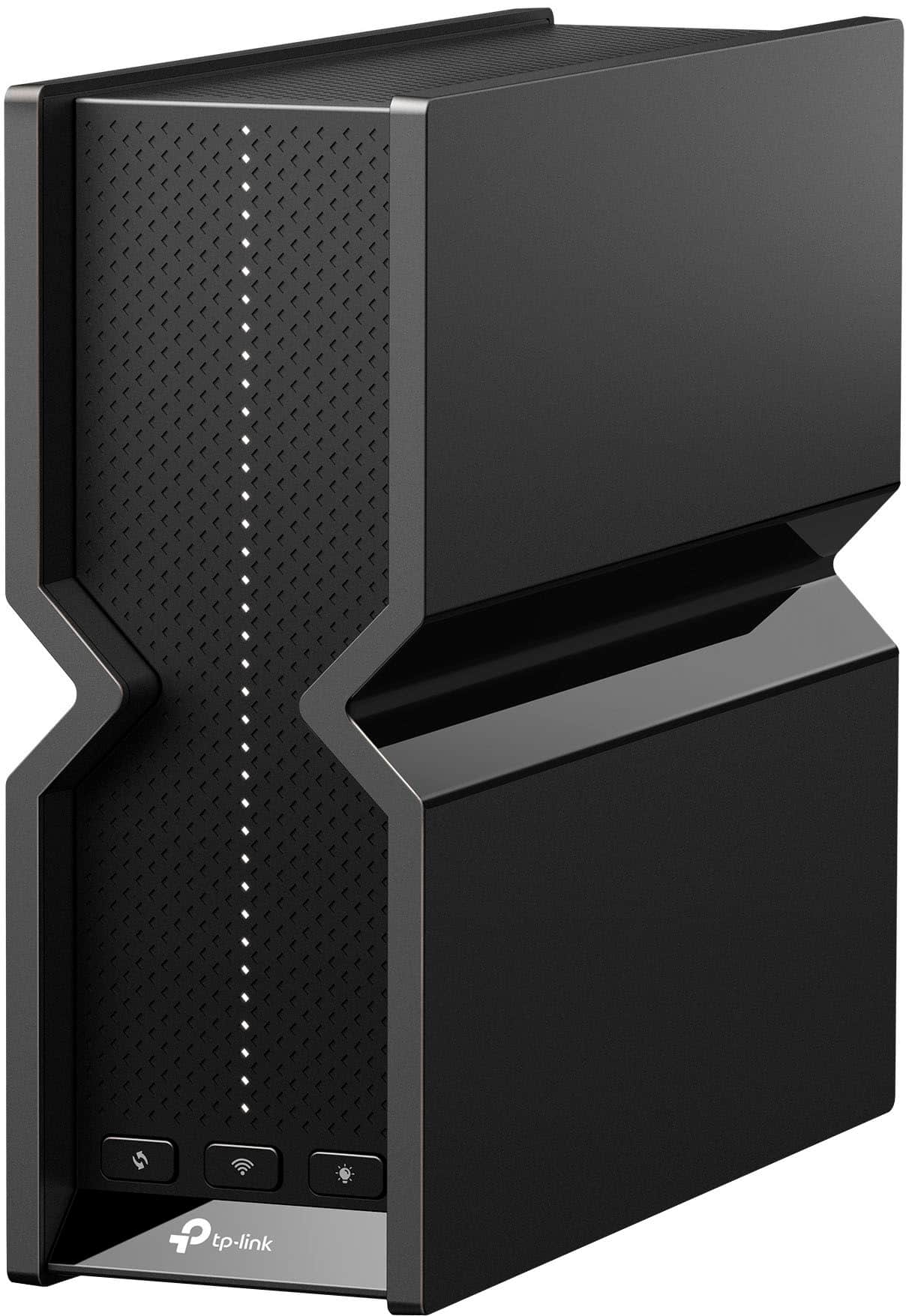
Archer BE11000 Pro
Running these analyses costs money. Buy through my links to help keep lights on! I may get a small commission.
Top Pros
Top Cons
Reddit Reviews
 Alauzhen 1.0
I am using the BE11000, it's very good and the signal is better than my previous router.
Cormyre 1.0Is yours an Archer BE11000 Pro? Been having an issue where mine just drops most of the clients at midnight. I can watch as 30 clients become 5, tried extending DHCP keepalive, and changing to static addresses on devices I don’t want to drop thinking it was a DHCP issue (ie: gaming laptop) to no success. The best option support has given me is to do a factory reset (which has been done). It’s rather looking like a $400 paperweight.
lordwerwath 1.0I know it isnt exactly what you asked but I have a similar configuration and went with the Archer + Extender option. I went with Archer BE11000 Pro (the router not deco - there is some overlap on naming) and RE405BE extender. Got both on sale from Bestbuy for 350 and it is an absolute fantastic configuration. I have wired backhaul between the two. One point of note: You may think that the extender should be set in access point mode, but it actually stays in EasyMesh mode and auto detects that the wires backhaul is optimal.
0xb311ac0 0.3Im not trying to invalidate the specialized models you recommended. In my experience the 6G TP Link routers have all been ass above the BE6500 which has WiFi 7 MLO and operates on the 2.4G and 5G exclusively. Everything in between the BE19000 and the BE6500 required a compromise to the bandwidth depending on the specific model that was purchased. For example the BE11000 has a 6G band available and is able to take advantage of 320Mhz of spectrum. However ideal performance is not always possible and thus THE chum bucket the chum bucket exists
cvflowe 0.3I feel you. I’m literally dealing with the same thing. I have the Orbi rbr750. Reading reviews, it seems everyone is having some type of problem. I finally gave in today and ordered the TP BE 1100 from Costco. If I can get by a week with no problems, that would be a win.
DBearJay 0.3We just had to find a solution to a 3 building, 3 floor situation. We ended up with 6 TP Link BE11000 mesh routers. It’s been excellent and we only have one spot in the coach house with lower reception. For context, we have 2 adjacent 3 unit multifamily buildings with a coach house in the back of one. We placed one in each floor of the building, and one across in the top floor of the adjacent building. We then put one more in the coach house which is probably 30-40’ behind the main building. 6 is the max you want to mesh but honestly we could have gotten away with one or two less, or converted one to an outdoor to help the coach house. These are both houses built circa 1910/15 and a lot of weird old metal in some of the walls in the back. The WiFi 7 has a tremendous range and we didn’t do a backhaul and are able to stream in 4 units for televisions, a home IoT setup in one unit, and wfh bandwidth for 3 people daily. No issues at all.
We are using the TP Link BE 11000 and just one more than covered our longer but narrow apartment and is tri-band. We had to buy a 3 pack, but it works fantastic now. May also check as they had big sales on Amazon and TP Link site direct for the holiday
hazza_cs 0.3I have the same, have you tried just splitting the bands via the deco app?
__Lolance 0.3I went with TP-Link BE11000. They rock, bar a single device that hates the 2.4/5ghz hybrid network which needs to die so I can replace it. Connection, coverage, speed all great (not on 2GB yet tho)
sleep_king 0.3I was in a similar boat and I think it’s worth it if your client supports WiFi 7. You get all the benefits of 6e but better range. The biggest downside of 6e is you basically have to be in the same room as the router/AP. Going through 1 wall isn’t so bad but if it’s more than that then it’s a wash. I was due for an upgrade on my old 5ghz mesh system so I said fuck it and got the TP-Link BE11000. All my clients are still on 6e and below but I have an AP in all the major rooms. Right now I’m gaming on a steam deck oled and Nvidia shield and see very little to no latency.
Smarmy82 0.3TP Link "might be banned" so far has been utter bs for over a year now. I have a BE11000 setup from Costco and have had no real issues. I also have a BE63 linked to them. 3 of the four are Ethernet backhauled through an unmanaged 2.5Gb switch. I haven't messed with any of the deco settings except that I have high capacity mode on as I don't need the 2.4ghz backhaul and I turned off beam forming and MLO as I believe that was causing clients to not change APs.